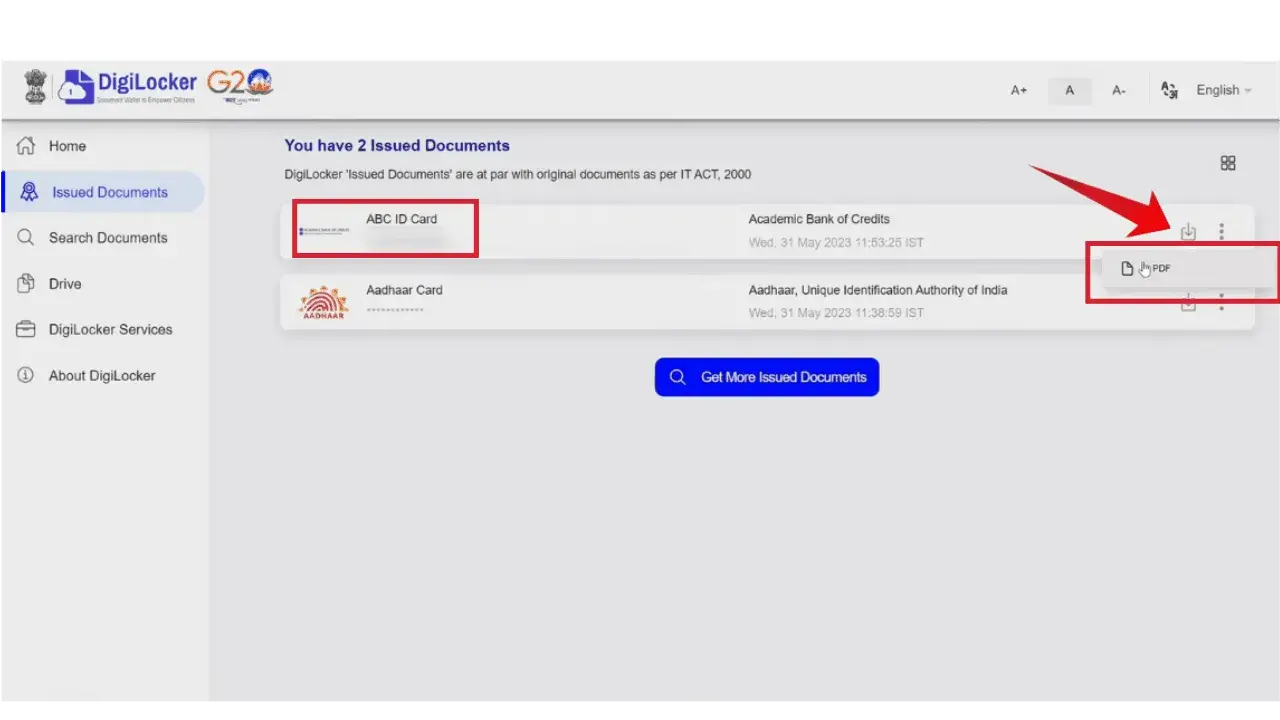
ABC ID Card Download
Once you have created your ABC ID, you can easily Download it from your DigiLocker account.
How to Download
- Log in to the Digilocker portal.
- Go to the “Issued documents” tab. All of your issued documents will be displayed here.
- Look for “ABC ID” in the list.
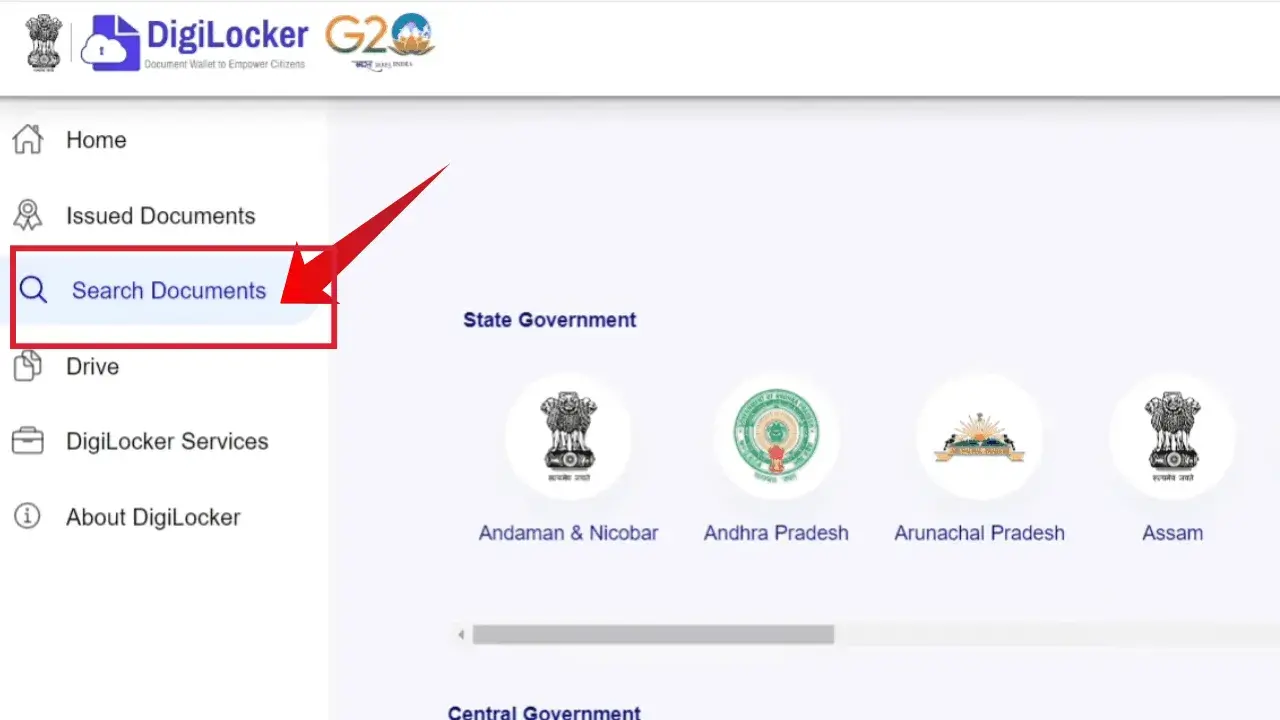
- Wait for the ID to load completely.
- Once ID is Fetched, Click on the download icon, and your ID will be downloaded in a PDF format.